Now Enrolling Free Live Workshop — your child builds their first AI project in 60 minutes  ·  No obligation  ·  Reserve a free seat →
0
Lines of Code Required
Ages 10–13
All Skill Levels
Live
Small Groups · Instructor-Led
3
Countries · CA, USA & AU
CCAT + IB
By the Concept Mastery Academic Team
AI Lab students building and questioning AI projects
The Method

Learn it. Build with it.
Question it.

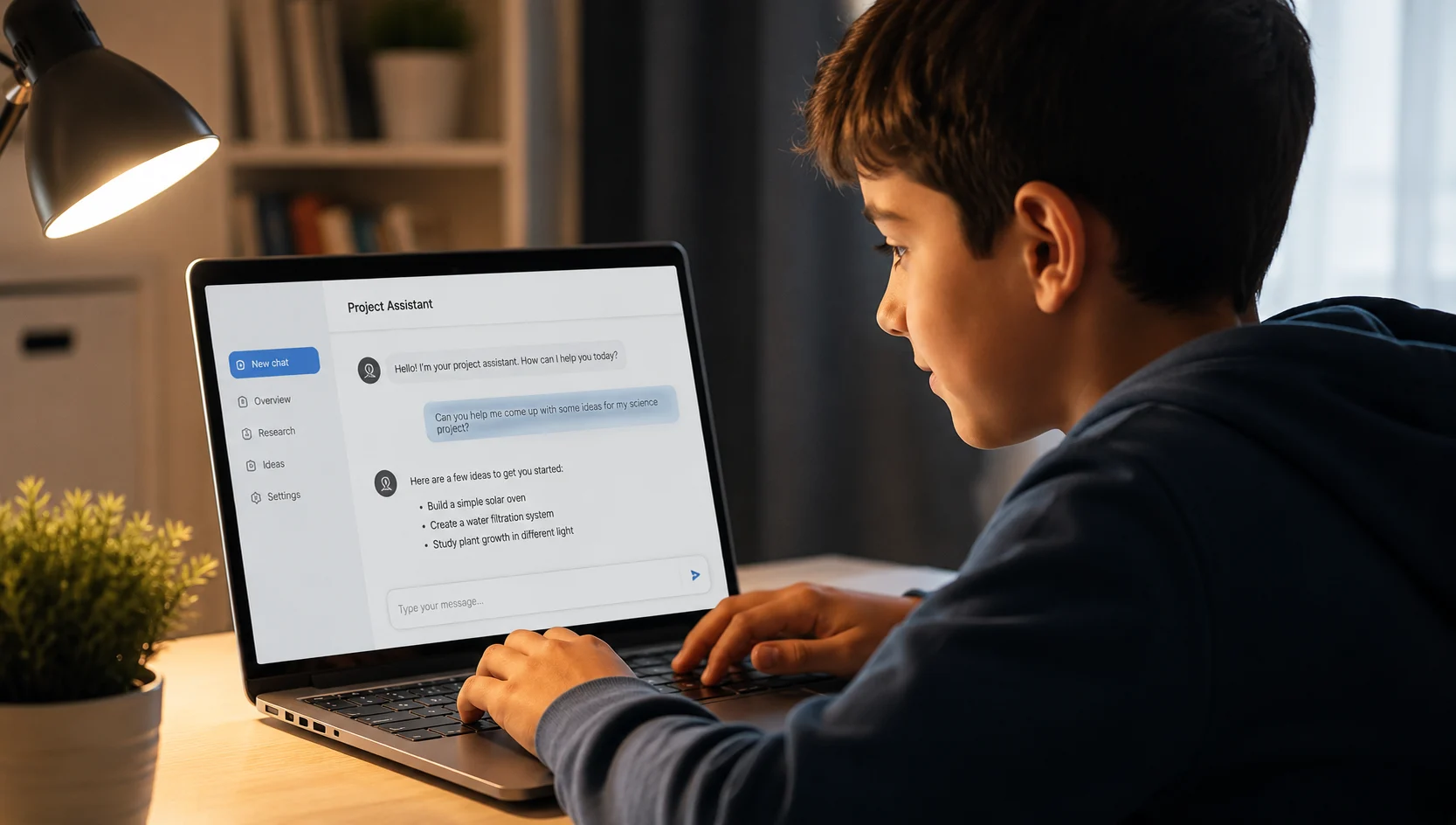
Kids don't sit through lessons about "what AI is." Every concept is learned by making something real — then stress-testing it.

01

Learn the Technique

Each session opens with one concrete skill — how to give AI clear instructions, how to make it explain instead of answer, how to push back when the output is weak.

02

Build the Project

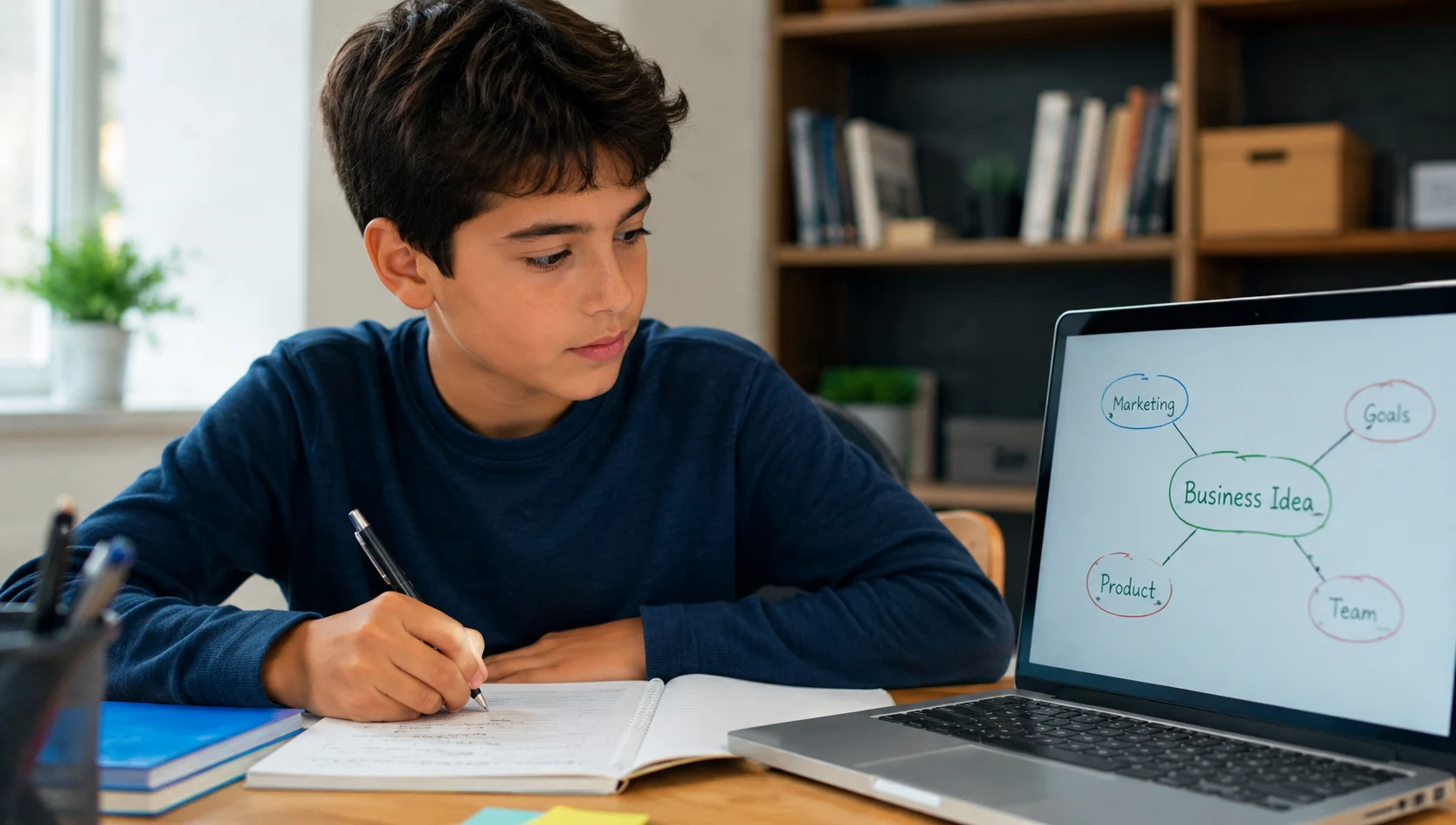
Students apply it immediately to a real project — a study tool, a story, a research report, a chatbot. Every session ends with something they made and keep.

03

Question the Result

Is it right? Is it really theirs? Students learn to spot AI mistakes, verify claims, and decide when their own brain is the better tool.

The Curriculum, Both Halves

Using AI is half the skill.
Judging it is the other half.

🛠️What they learn to do
🎯
Direct AI with precision
Clear instructions, context, constraints, and iteration — the difference between a lazy question and a professional-grade prompt.
📖
Create with AI as a partner
Planning, drafting, and improving creative work where the ideas stay the child's — AI assists, it doesn't replace.
🔍
Research at speed
Using AI to explore a topic in minutes — summarising, comparing viewpoints, organising findings into real output.
🤖
Build working tools
Chatbots and simple apps from their own ideas — building with AI instead of just chatting with it.
🧭What they learn to question
⚠️
AI mistakes & made-up facts
Spotting hallucinations, testing claims against real sources, building the reflex to verify before believing.
⚖️
Learning vs. cheating
The line is taught explicitly. AI as tutor and building tool is a skill. AI as a ghostwriter is cheating — and schools can tell.
🔒
Privacy & safety
What's safe to share with an AI and what never is — taught as a habit, not a one-time warning.
🧠
When NOT to use AI
Recognising when their own thinking is faster, better, or simply required — so AI stays a tool, not a crutch.
Real Skills, Real Words

What kids actually learn to say

No jargon. Kids who give AI clear, demanding instructions get dramatically better results — and they learn to talk back.

[BRACKETS] show where students bring their own ideas · The Verify tab is what makes AI Lab different

Inside a Session

Live, structured,
and never a lecture.

Every session follows the same rhythm — predictable structure, new skill and project content each time.

Warm-Up
💬
Spark
The group tackles a question that sets up the session's skill.
Live Demo
🖥️
Watch It Work
The instructor demonstrates live — including what happens when you do it badly.
Build Time
🛠️
Make It
Every student builds their own version with instructor coaching.
Challenge
🧭
Question It
Students stress-test their result — find the mistake, verify the claim, improve the output.
Share Out
🏆
Show It
Students demo their work and give each other real feedback.
Start Here — Free

See it work before you decide anything

Every family starts with the free live workshop. Your child builds a real project in 60 minutes — you watch exactly how we teach.

Free · Live Online · No Obligation
$0
per family · no credit card required

60 minutes. Parent and child attend together. Your child builds a working AI project and keeps it — you see exactly how we teach before deciding anything.

  • Your child builds a working study assistant for their own school subjects — and keeps it
  • 10 minutes for parents only: how we keep AI use safe, honest, and school-appropriate
  • Full AI Lab curriculum walkthrough, cohort dates, and pricing — answered live
  • Q&A with a Concept Mastery instructor
  • Next sessions running now — limited spots per cohort
Reserve a Free Workshop Seat →

Attending carries no obligation · Spots fill weekly

Parent Questions

Answered straight

The opposite. Schools are not going to un-invent AI — kids who get no guidance learn to copy-paste in secret. AI Lab teaches the line explicitly: AI as a tutor, research assistant, and building tool is a skill; AI as a ghostwriter is cheating. An entire strand of the curriculum is devoted to exactly this.
No. Every project is built with plain-language tools — students describe what they want and direct the AI to build it. Kids who already code will go deeper; kids who don't will still finish every project.
Students work only with instructor-approved tools in live, supervised sessions with accounts configured for minors. We never ask children to share personal information with AI tools — and teaching them not to is part of the curriculum itself.
Ages 10–13. The projects are designed so a 10-year-old with no tech experience can finish every one, while a capable 13-year-old finds genuine challenge in the build and verification work. Groups are kept small and age-banded.
The same way a math curriculum is different from handing a child a calculator. Structure, sequence, live coaching, and a finished portfolio — plus the judgment training that unsupervised use never provides. Most kids using AI alone learn one move: ask, copy, paste. AI Lab teaches the other twenty.
Both. Live online cohorts run for families across Canada, the USA, and Australia. In-person small groups run at our Oakville, Ontario location.
Limited Cohort Spots

The tool isn't going away.
The advantage goes to kids who learn it properly.

Free live workshop. Your child builds their first AI project in 60 minutes — you see exactly how we teach, before you decide anything.

Free workshop · No obligation · No credit card · Spots fill weekly